
Point. Shoot. Pixelate.
Turn your world into 8-bit & 16-bit retro pixel art. Powered by Apple Metal GPU shaders with real-time Pixel Sight viewfinder rendering. 100% on-device — no account, no cloud uploads, and no AI data mining.
Scan on iPhone
Free download with zero account required
Designed for Instant Retro Magic
From quick selfies to vintage arcade clips, create authentic retro visuals in seconds.
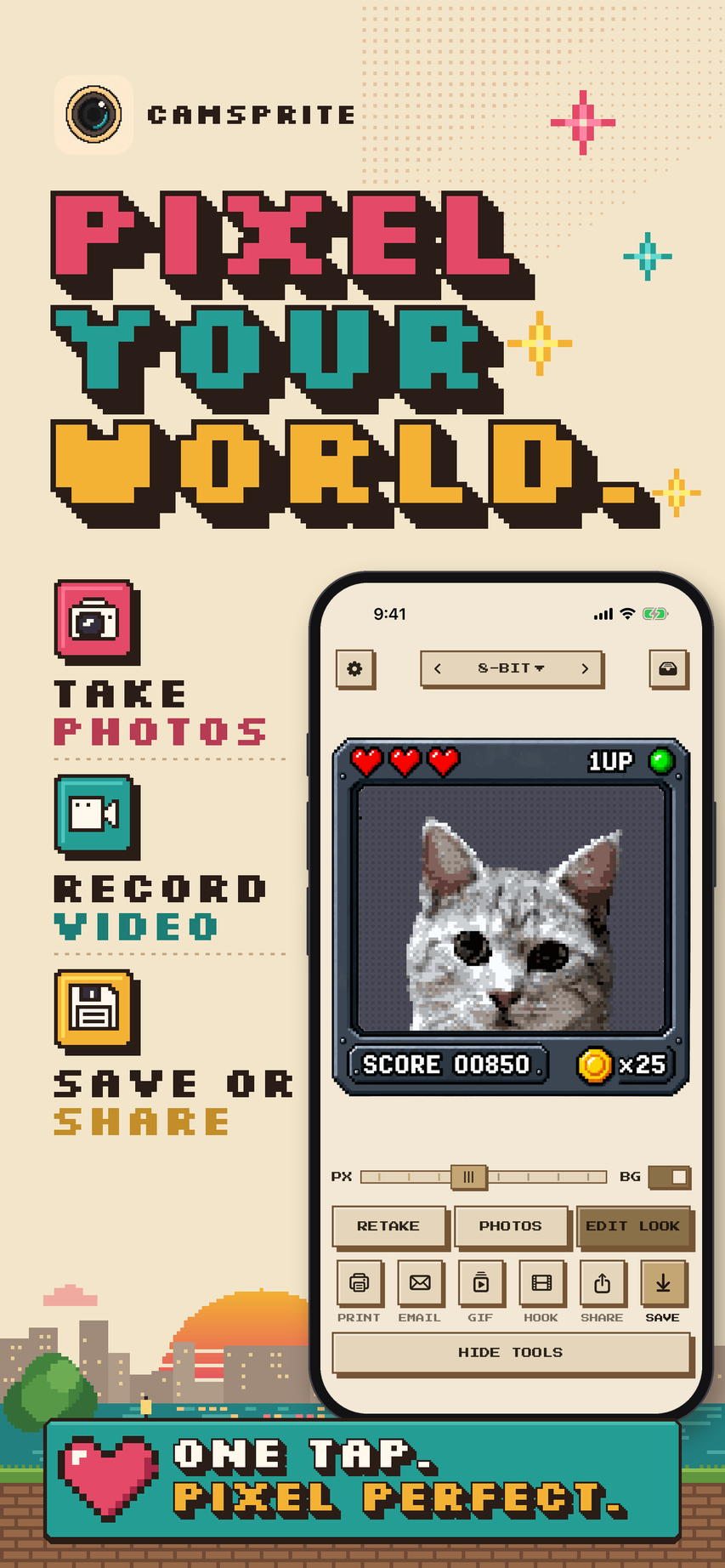
Pixel Your World
Turn photos of people, pets and places into retro pixel art, framed and ready to share.
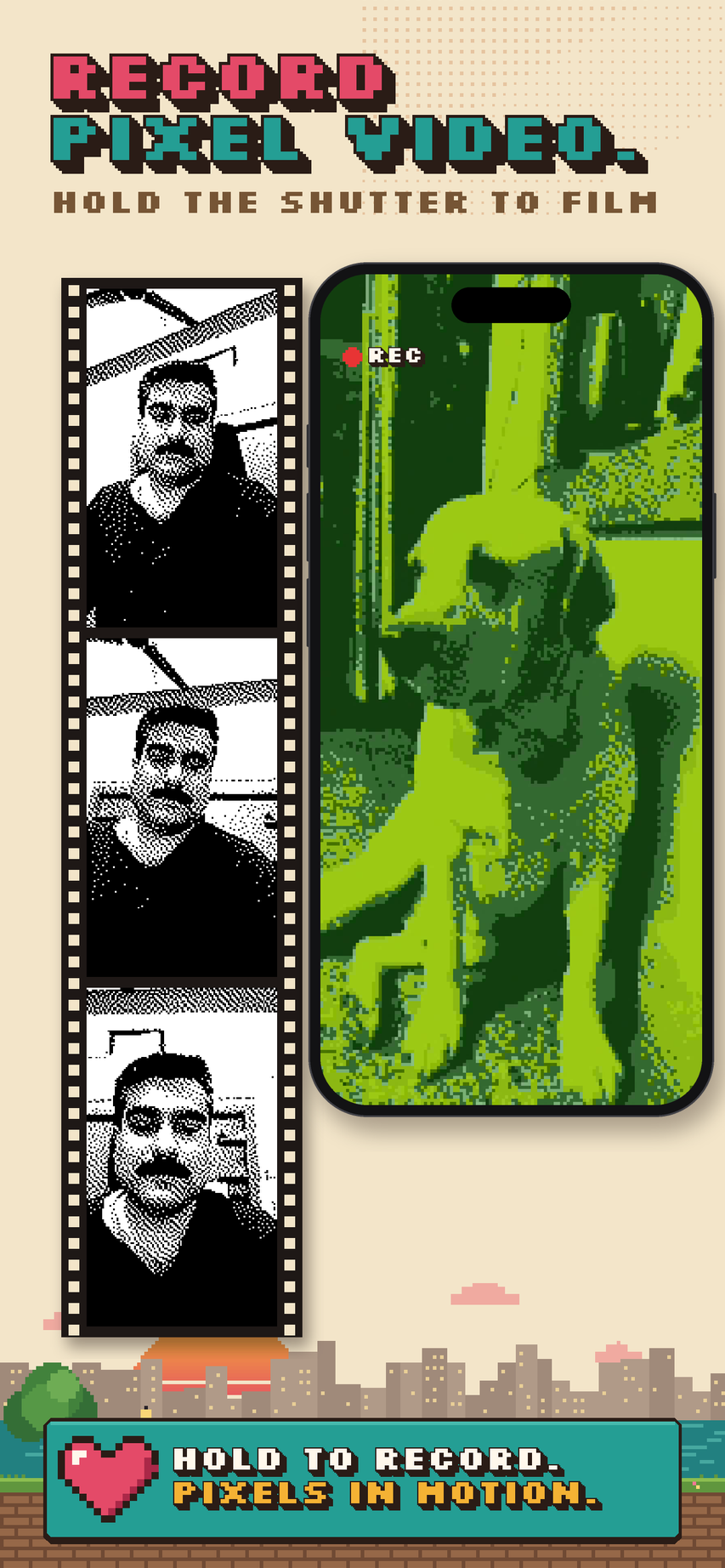
Record Pixel Video
Hold the shutter to film up to 10 seconds of pixel video, then share it, its reveal or a GIF.
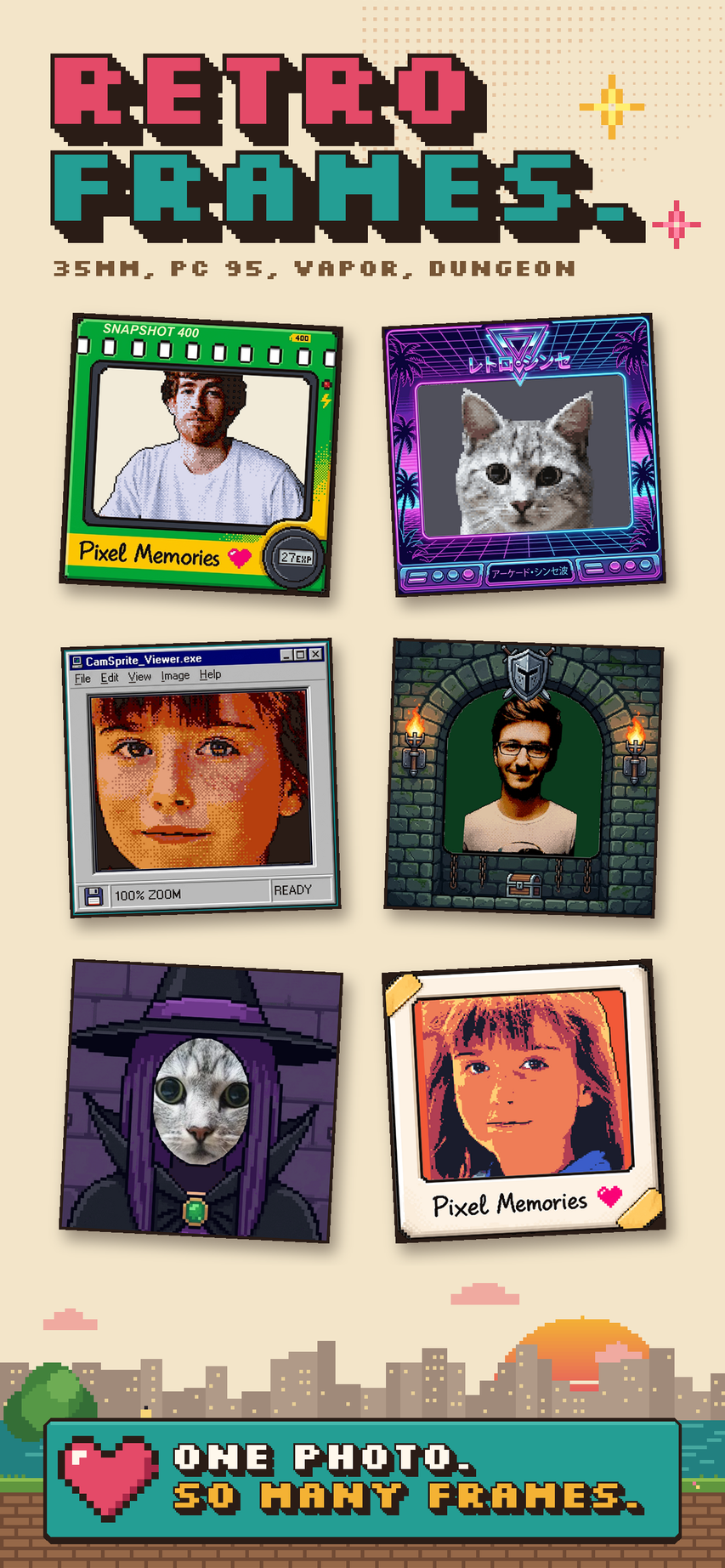
Retro Frames
Arcade, VHS, PC 95, 35mm, Kawaii and more frames around your shot, plus costume cutouts.
Under the Hood: Pixel Sight Engine
Point with Pixel Sight
See the world through live pixel shaders before you even take the shot. The on-device GPU draws the pixels right in the camera viewfinder, held upright or sideways.
Shoot, Record or Import
Take a photo, hold the shutter to record up to 10 seconds of pixel video, or pick any picture from your library. Then add a retro frame, a reveal video or a GIF.
100% Offline & Private
Zero cloud processing. Zero photo uploads. All Metal GPU shader computation runs entirely on your device. Your personal memories stay strictly on your iPhone or iPad.

Ready to Turn Your Photos into Pixel Art?
Download CamSprite for free from the Apple App Store on your iPhone or iPad.